/ Our Process

Quality built in. Not bolted on.

Every sprint ships with frame budgets reviewed, interaction timing checked, and UI detail accounted for—before the build, not after.
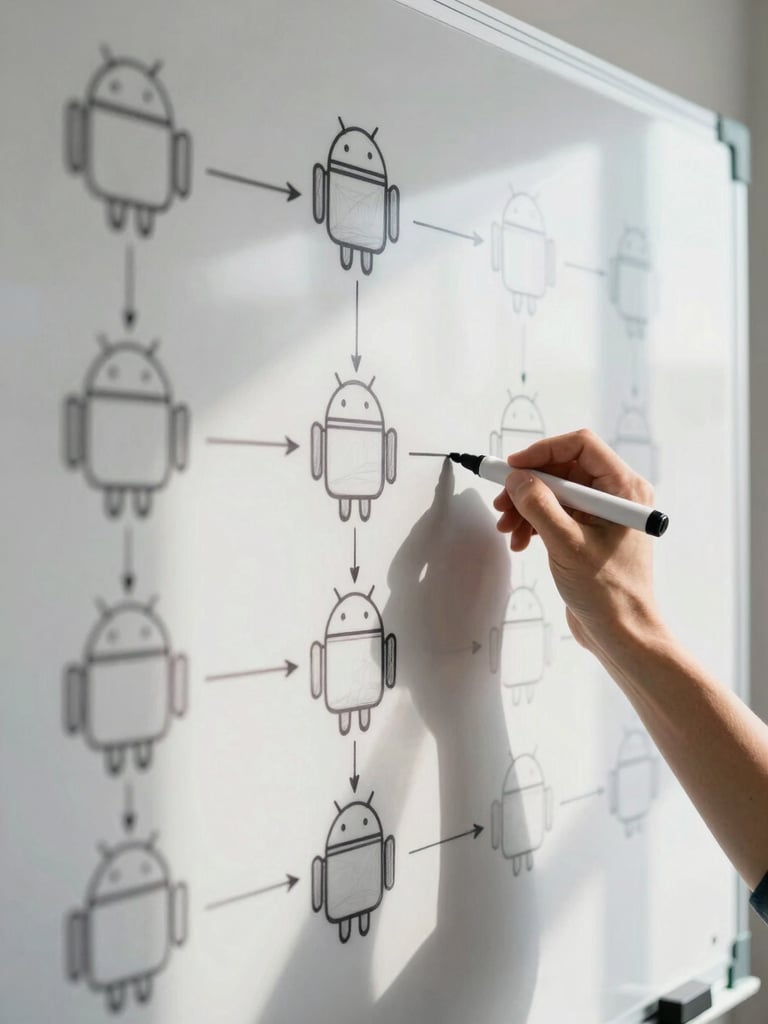
Close-up of a whiteboard covered in Android navigation flow diagrams and annotated user-journey maps, a hand holding a marker mid-annotation, bright daylight from a side window casting clean shadows, tight crop showing diagram detail and ink texture
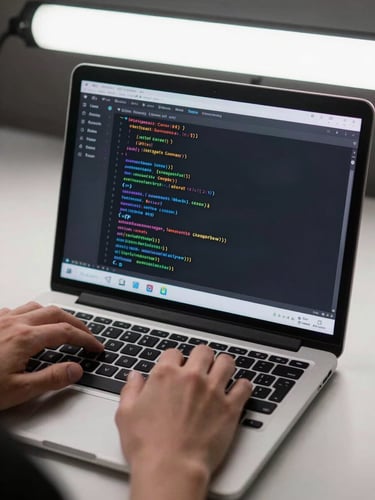
Tight crop of an Android developer's hands typing on a keyboard, a laptop screen displaying Jetpack Compose code and a live Android emulator showing a fluid list-scroll animation frozen mid-frame, clean studio strobe light from above, crisp screen colors visible
Two team members side by side at a desk reviewing a tablet showing an Android app mid-transition, one person pointing at the screen detail with a stylus, bright daylight from a wide window illuminating the screen content, tight environmental framing showing the desk and devices
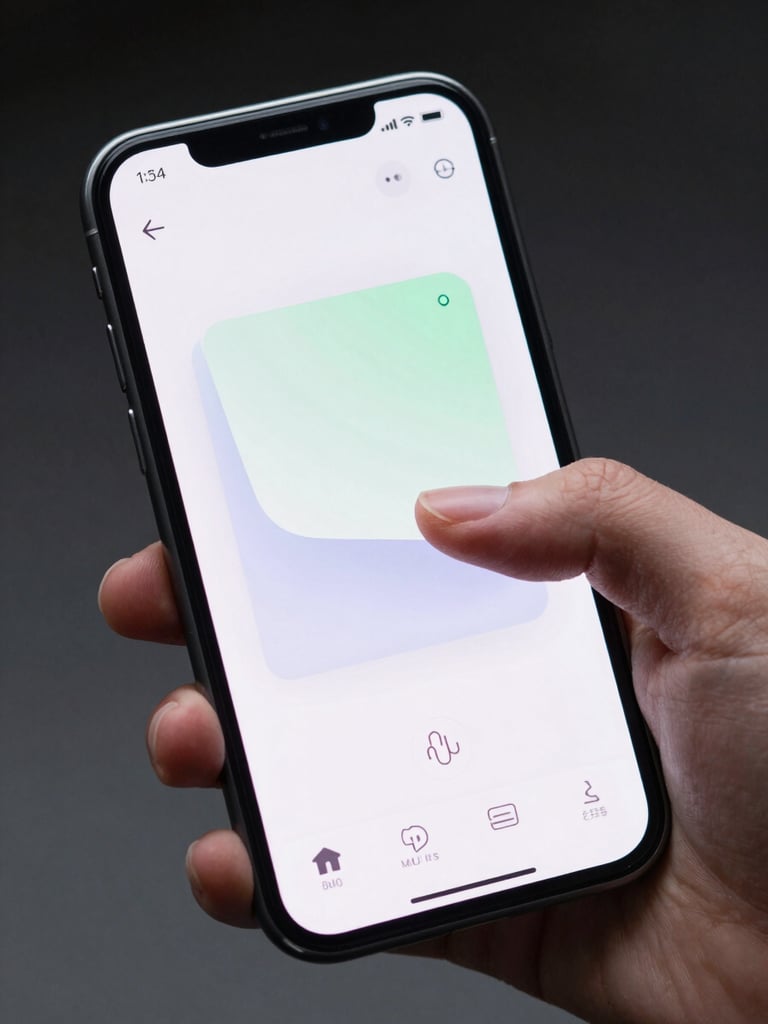
Close-up of a physical Android phone in a hand, screen showing a polished app UI with a smooth card-reveal animation frozen mid-motion, finger touching the screen, clean bright studio strobe lighting showing crisp UI colors and pixel-level detail, dark background behind the hand
— Four stages

Where craft enters the timeline

Stage 01 — Align

Define what smooth looks like

We map interaction targets, frame-rate goals, and performance benchmarks before a single line of code. Alignment here means no surprises later—and no scope drift chasing vague 'feel' fixes.

Stage 02 — Build

Every frame gets its budget

Development runs in focused sprints where interaction timing and animation fidelity are treated as first-class requirements—not polish saved for the end.

Stage 03 — Review

You see the work as it happens

Clients get a running view of builds, interaction recordings, and performance readings each sprint—not a finished binary after three months of silence.

Stage 04 — Ship

Released only when it holds up

Launch readiness means passing our own performance bar—touch response, jank profiling, and render consistency—not just clearing a QA checklist.

▸ What we refuse to skip

Craft over features. Every time.

Performance is non-negotiable

Pixel-perfect or we go again

No black-box handoffs

Frame budgets and touch-response targets are set at project start and measured at every review—not treated as nice-to-haves after features land.

Micro-interactions and transition timing are reviewed against the design spec before any build is marked done. Approximations don't ship.

Clients review real builds on real devices each sprint. The process is legible because trust is earned through visibility, not promises.

Ready to ship something that holds up?

Tell us what you're building. We'll tell you exactly how we'd approach it.